
Core Concepts
Signals
Signals are where your leads come from. Each one is a different way to find people.
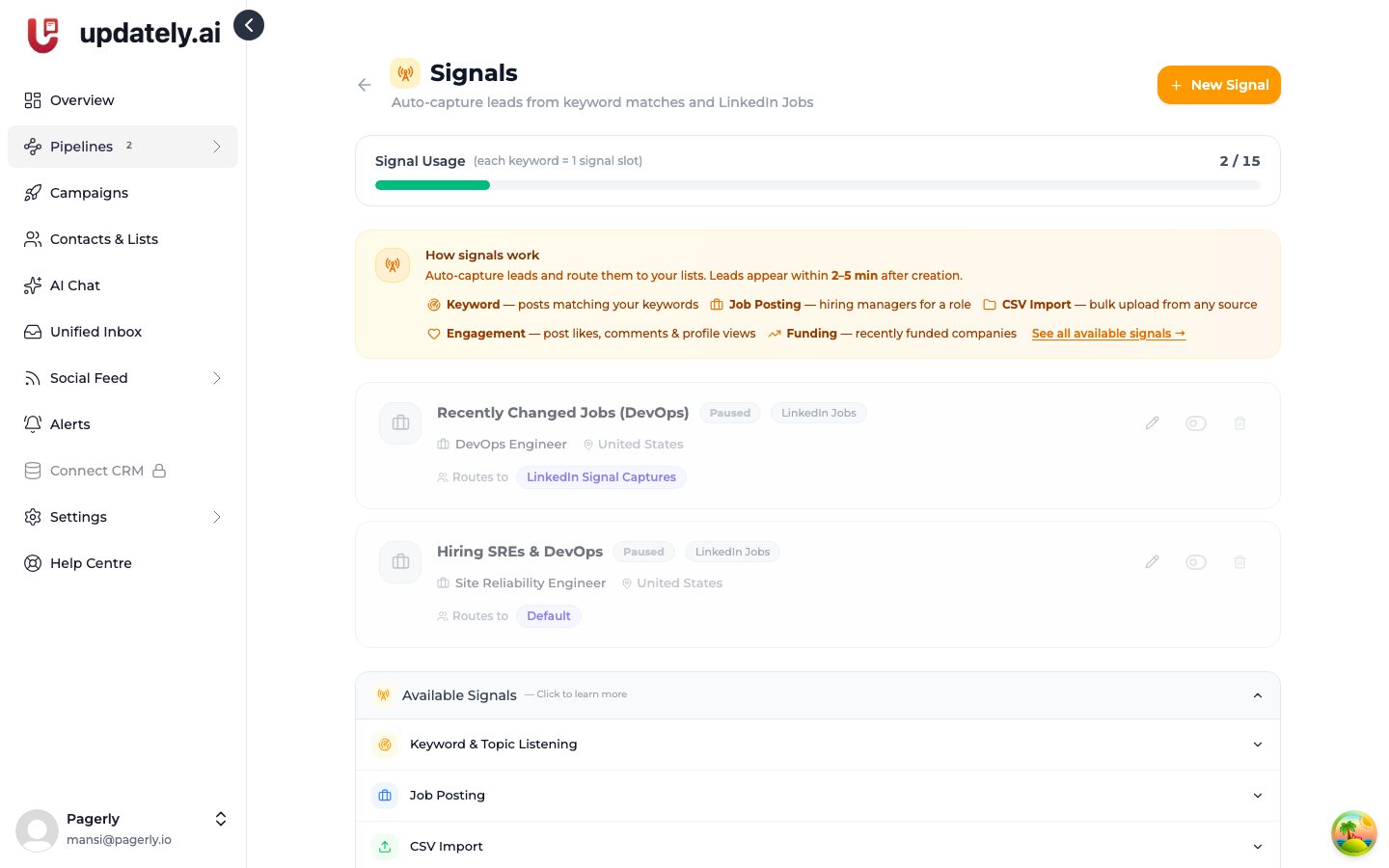
A signal is a rule for finding people. It runs on a schedule, captures whoever it finds, scores them against your ICP, and adds the ones that fit to your lead list.
Types
Keyword monitoring
Watches LinkedIn posts for words and phrases you choose, and captures the author as a lead.
Strongest when the keyword implies a problem you solve — a competitor's name alongside a complaint, or the phrase people use when describing the pain point. Weak when the keyword is just your industry, because everyone in it talks about that.
Job posts
Watches for companies hiring particular roles. A company hiring three SREs is a company whose on-call is hurting.
Profile search
Searches LinkedIn profiles directly by title, company size, and location. Unlike keyword monitoring, it doesn't need anyone to post — it works from day one, which makes it the best starting signal.
Network
Works from your existing connections rather than finding new people.
CSV import
A one-off upload of a list you already have. Everyone still gets enriched and scored.
How captured leads are enriched
Capturing someone from a post gives you a name and not much else. Updately then looks up their profile to fill in job title, company, headline, location and work history.
This enrichment is what your ICP filter and your message templates both depend on.
A lead with no job title can't be matched on title, and {{jobTitle}} in a
template has nothing to insert.
Preview before you commit
You can preview a signal before saving it. It fetches a sample, enriches and scores it, and shows you the actual people it would capture — without writing anything to your list or sending anything.
Always preview. It's the difference between finding out your keyword is too broad now, and finding out after 200 irrelevant leads are in your list.
Enabling and disabling
Signals can be paused individually. They're also turned off automatically if your LinkedIn account disconnects — and not turned back on when you reconnect, so check them after reconnecting.