Campaigns
Connection requests and acceptance
What happens between sending a connection request and sending the first message — and why the timing works the way it does.
Almost every campaign starts the same way: a connection request, then messages once the person accepts. This page explains what happens in between, because the timing surprises people.
Why the invite has to come first
LinkedIn does not let you send a direct message to someone you aren't connected to. That's a platform rule, not an Updately limitation — there is no setting that turns it off, and no paid tier that unlocks it.
So a message step can only run after the person has accepted. Until then, there is nothing Updately is allowed to send.
This is also why the Contacts page won't offer to message someone you aren't connected to yet. The button would promise something LinkedIn refuses.
The sequence
For a typical three-step campaign:
| Step | Type | Delay | When it runs |
|---|---|---|---|
| 1 | Connection request | — | As soon as the contact is enrolled |
| 2 | Message | 1 day | 1 day after they accept |
| 3 | Message | 2 days | 2 days after step 2 |
The important detail is in that third column.
Delays count from acceptance, not from sending
If step 2 has a one-day delay, that day starts the moment the person accepts your request — not the moment you sent it.
Someone who accepts three weeks later still gets your first message one day after they accept. They get the message you wrote for a fresh connection, at the point where it makes sense to them, rather than a message that reads as though it's answering something they did last month.
There is no expiry on this. A contact waits as long as it takes.
How Updately knows someone accepted
LinkedIn does not broadcast an event when a connection request is accepted. There is no notification we can subscribe to. Acceptances are discovered by checking periodically instead.
Practically, this means a delay of a few hours between someone hitting Accept and Updately noticing. It can occasionally be as long as eight.
Because of this, a message step delay of "0 days" does not mean the message arrives instantly on acceptance. It means the message goes out on the next cycle after we notice — which is normally within a few hours.
If instant matters to you, it isn't achievable on LinkedIn. Nobody can do it.
If you're already connected
When a campaign reaches someone who is already a first-degree connection, the connection request step is skipped rather than failed. The contact moves straight to your first message step, and the step is marked as skipped in their history so you can see why.
This is common when you target your own network, or re-run a campaign against a list you've worked before.
What each contact status means
| Status | What's happening |
|---|---|
| Pending | Enrolled, waiting for its first step |
| In progress | Mid-sequence — either waiting on acceptance or waiting out a step delay |
| Replied | They wrote back. Worth your attention. |
| Completed | Every step in the sequence has run |
| Error | A step failed repeatedly. See the contact's last error. |
A contact sitting at In progress for a long time is usually waiting for an acceptance that hasn't come. That's normal — most people don't accept immediately, and plenty never do.
Reading replies at a glance
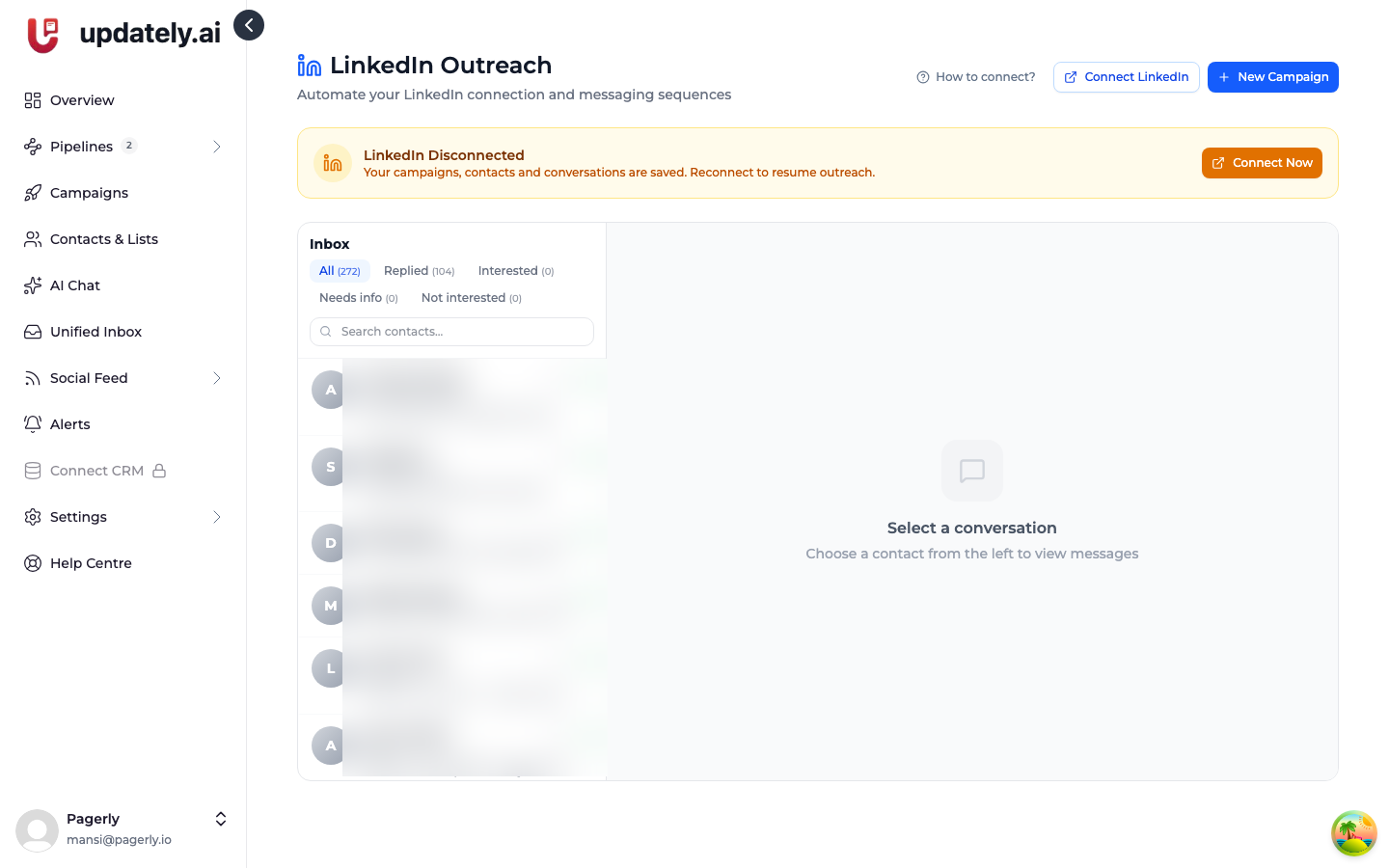
Every reply is classified as Interested, Needs info, or Not interested, and the inbox can be filtered to each. That happens whether or not Reply Autopilot is switched on, so you can always jump straight to the people worth answering first.
Follow-ups go before new invites
When a campaign has more to do in a day than your sending limits allow, Updately works through follow-ups first, and only then sends new connection requests.
Someone who already accepted your request is the warmest contact you have. Making them wait an extra day while the queue fills up with cold invites is the wrong trade, so the budget goes to them first.